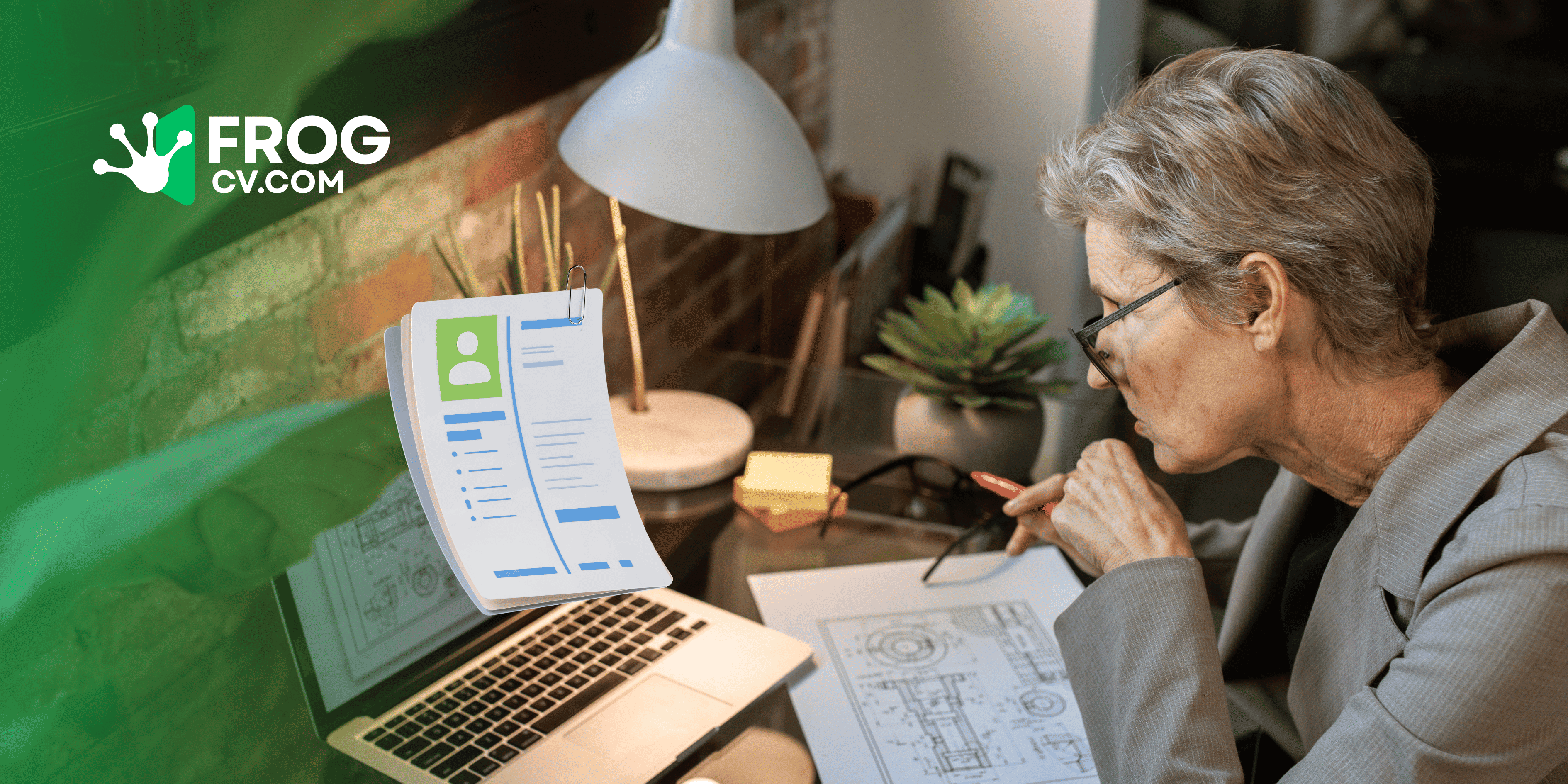
A professional CV is one of the most powerful tools you have when applying for a job. Before a recruiter meets you, your CV speaks on your behalf. A well-written CV can open the door to interviews, while a poorly written one can cost you valuable opportunities.
Today's employers receive hundreds of applications for a single position. That means your CV needs to be clear, professional, relevant, and easy to read. Whether you're a student, a recent graduate, or an experienced professional, knowing how to write an effective CV can significantly improve your chances of getting hired.
In this complete guide, you'll learn everything you need to know about writing a professional CV in 2026.
What Is a Professional CV?
A CV, or Curriculum Vitae, is a document that summarizes your education, work experience, skills, certifications, projects, and achievements. It helps employers quickly understand whether you're a suitable candidate for a job.
A professional CV should be:
- Well organized
- Easy to read
- Tailored to the job
- Free from spelling and grammar mistakes
- Updated with your latest experience
- Optimized for Applicant Tracking Systems (ATS)
Why Is a Strong CV Important?
Your CV creates the first impression. Recruiters often spend less than 10 seconds reviewing a resume before deciding whether to continue reading.
A strong CV helps you:
- Get shortlisted for interviews
- Highlight your achievements
- Showcase your professional skills
- Build trust with employers
- Stand out from other applicants
Investing time in writing a quality CV can dramatically improve your job search results.
Step 1: Start with Your Contact Information
Always begin your CV with accurate contact details.
Include:
- Full Name
- Professional Email Address
- Mobile Number
- City and Country
- LinkedIn Profile (Optional)
- Personal CV Website (Recommended)
Double-check that all information is correct before submitting your CV.
Step 2: Write a Strong Professional Summary
Your professional summary is one of the first sections recruiters read.
In three to five sentences, briefly explain:
- Who you are
- Your years of experience
- Your strongest skills
- Your career goals
- What value you can bring to an employer
A personalized summary immediately grabs attention and encourages recruiters to continue reading.
Step 3: Add Your Work Experience
List your jobs in reverse chronological order, starting with the most recent position.
For each role include:
- Job Title
- Company Name
- Employment Period
- Main Responsibilities
- Key Achievements
Instead of simply listing duties, focus on measurable accomplishments whenever possible.
For example:
❌ Responsible for managing social media.
✅ Increased social media engagement by 45% within six months through targeted content strategies.
Achievements make your CV much stronger.
Step 4: Include Your Education
Your education section should contain:
- Degree or Qualification
- Institution Name
- Graduation Year
- Relevant Awards or Honors
Fresh graduates can also include academic projects, internships, or extracurricular achievements.
Step 5: Highlight Your Skills
Employers want candidates with both technical and interpersonal skills.
Technical Skills
- Microsoft Office
- Graphic Design
- Web Development
- Programming
- Data Analysis
- Digital Marketing
- Accounting Software
Soft Skills
- Communication
- Leadership
- Teamwork
- Time Management
- Critical Thinking
- Adaptability
- Problem Solving
Only include skills that genuinely represent your abilities and match the job description.
Step 6: Add Certifications and Projects
Professional certifications demonstrate continuous learning.
You can include:
- Google Certifications
- Microsoft Certifications
- Language Certifications
- Online Courses
- Volunteer Work
- Personal Projects
- Freelance Experience
Projects are especially valuable for students and professionals with limited work experience.
Step 7: Optimize Your CV for ATS
Many companies use Applicant Tracking Systems (ATS) to scan resumes before they reach recruiters.
To make your CV ATS-friendly:
- Use clear section headings.
- Include keywords from the job description.
- Avoid unnecessary graphics.
- Choose a simple layout.
- Use professional fonts.
- Keep formatting clean and consistent.
An ATS-friendly CV has a better chance of passing automated screening systems.
Common CV Mistakes to Avoid
Many qualified candidates are rejected because of avoidable mistakes.
Avoid:
- Spelling and grammar errors
- Generic career summaries
- Outdated contact details
- Long paragraphs
- Poor formatting
- Fake skills
- Irrelevant work experience
- Low-quality profile photos
- Unprofessional email addresses
Proofreading your CV before submitting it is essential.
Pro Tips for Writing a Winning CV
Want to impress recruiters? Follow these expert tips:
- Tailor your CV for every application.
- Use action verbs such as "Developed," "Led," and "Improved."
- Focus on achievements instead of responsibilities.
- Keep your CV concise and relevant.
- Maintain consistent formatting.
- Update your CV regularly.
- Include only information that supports your application.
- Use keywords from the job advertisement naturally.
Small improvements often make a significant difference.
Why an Online CV Is Better Than a Traditional Resume
Modern employers increasingly prefer candidates who have an online professional presence.
An online CV allows you to:
- Share your resume using a single link.
- Update your information anytime.
- Access your profile from any device.
- Showcase projects and achievements professionally.
- Make a stronger impression than a PDF alone.
It also makes networking much easier when applying through LinkedIn, email, or social media.
Create Your Professional CV with FrogCV
Writing a professional CV doesn't have to be difficult.
With FrogCV, you can create a polished, ATS-friendly CV in minutes without any design or technical skills.
FrogCV allows you to:
- Create your CV completely free.
- Build your own personal online CV website.
- Download professionally designed CV templates.
- Switch between multiple resume designs.
- Update your profile anytime.
- Share your online CV with employers using a unique public link.
- Publish or hide your profile whenever you choose.
Everything is managed from a simple dashboard, making it easy to keep your CV current throughout your career.
Frequently Asked Questions
How long should a professional CV be?
Most professionals should keep their CV to one or two pages, depending on their experience.
Should I include a photo?
This depends on the country and industry. Research local hiring practices before adding a profile photo.
Can I use the same CV for every job?
It's better to customize your CV for each application by highlighting the most relevant skills and experience.
Is an online CV better than a PDF?
A PDF is still important, but an online CV offers additional benefits such as easy sharing, instant updates, and greater accessibility for employers.
Final Thoughts
A professional CV is much more than a list of qualifications. It is your personal marketing document and often determines whether you receive an interview invitation.
By using a clean format, writing a compelling summary, highlighting measurable achievements, optimizing for ATS, and keeping your information up to date, you can create a CV that stands out in today's competitive job market.
If you're ready to build a professional CV without the hassle of formatting or design, FrogCV makes the process simple. Create your free CV, choose from modern templates, publish your personal online profile, and share it confidently with employers around the world.
Your next career opportunity could begin with a well-written CV. Start building yours today with frogcv.com